

In today's competitive market, a successful website is far more than a digital brochure; it's a powerful engine for business growth. For B2B services and SaaS companies, a strategic approach to web design is non-negotiable, marking the critical intersection of user experience, technical performance, and conversion optimization that separates market leaders from the rest. A high-performing site must intuitively guide visitors, load instantly, and build immediate trust, all while being fully accessible and optimized for search engines.
This guide moves beyond generic advice to provide a definitive checklist of the best practices for web design that directly impact lead generation, user trust, and revenue. We will dissect ten critical pillars that form the foundation of a website built to perform. You will gain actionable insights on everything from mobile-first architecture and Core Web Vitals to integrating trust signals and implementing data-driven design.
Each point is structured as a practical, implementation-focused blueprint. We will cover a comprehensive range of topics, including strategic CTA placement, SEO-optimized site structure, accessible WCAG compliance, and value-focused copywriting. Whether you're a seasoned marketer or a business leader, these insights will equip you to build a digital presence that not only looks professional but also delivers measurable results and a tangible return on investment.
1. Mobile-First Responsive Design
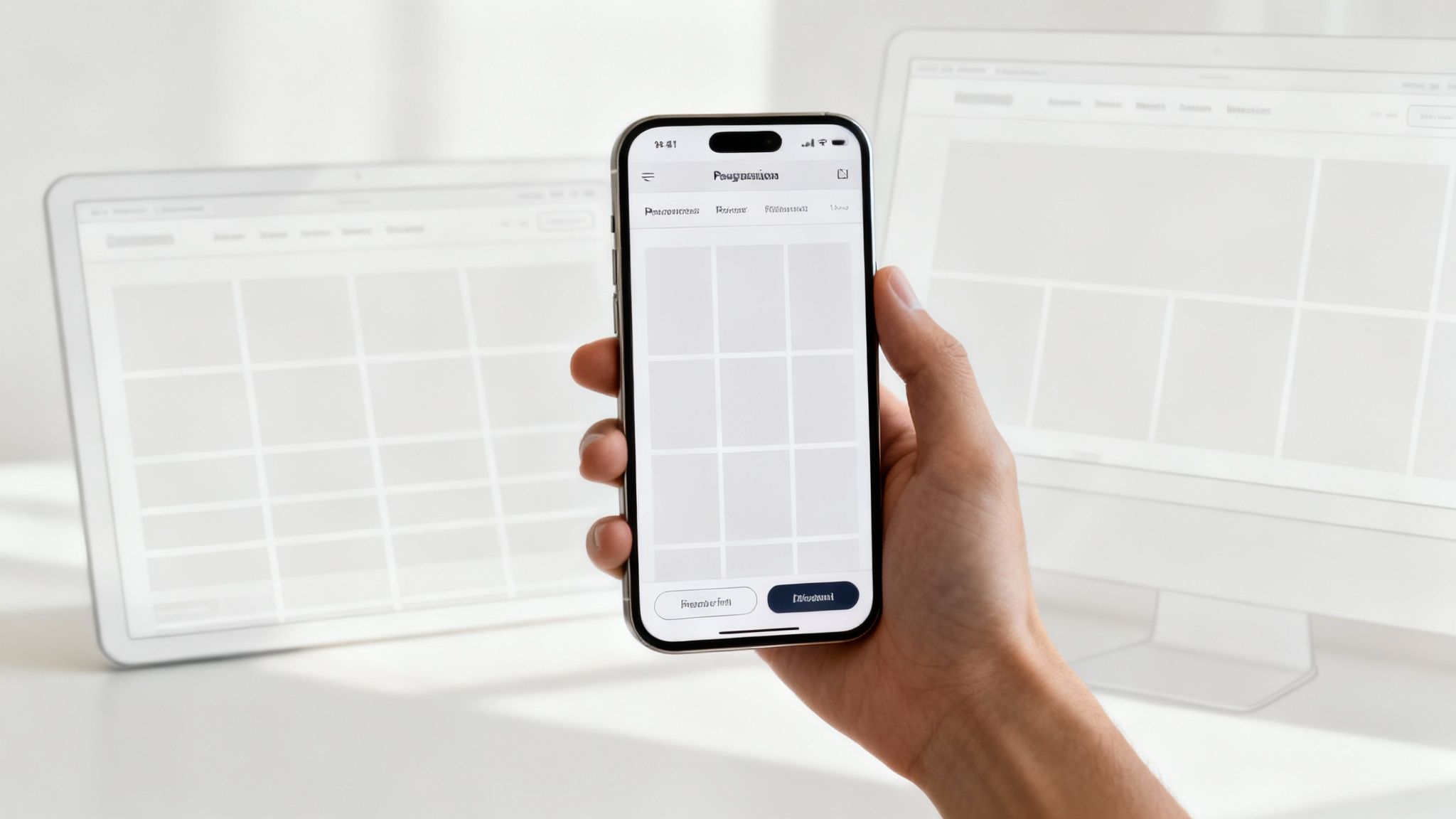
Mobile-first responsive design is a strategic approach that prioritizes designing for the smallest screen first, then progressively enhancing the layout for larger screens like tablets and desktops. This methodology reverses the traditional desktop-first model, forcing designers to concentrate on core content and functionality from the start. With a majority of B2B research now initiating on mobile devices, this is no longer a trend but a fundamental component of effective client acquisition.
Adopting this strategy ensures your site provides a seamless, high-quality experience for every user, regardless of their device. This is one of the most critical best practices for web design because it directly impacts user experience, SEO, and conversion rates. A clunky, hard-to-navigate mobile site will deter potential clients long before they see your desktop version.
Why It Works for B2B and SaaS
Companies that commit to mobile-first design see stronger handheld engagement because the experience is built around how visitors actually browse on their phones, not adapted from a desktop layout after the fact. This strategy works because it aligns with modern user behavior and Google's mobile-first indexing, which primarily uses the mobile version of a site for ranking. For a professional services firm, this means a potential client researching your services on their phone gets an optimized, fast, and easy-to-use experience, building trust from the first interaction.
Actionable Implementation Tips
- Prioritize Content: Identify the most critical information and calls-to-action (CTAs) that a mobile user needs. Push secondary content to larger breakpoints.
- Embrace Fluid Grids: Use a flexible, grid-based layout that uses relative units like percentages, rather than fixed units like pixels.
- Optimize Touch Targets: Ensure all buttons and interactive elements have a minimum touch target size of 48x48 pixels to prevent user frustration.
- Use Responsive Image Techniques: Implement
srcsetand<picture>elements to serve different image sizes based on the user's screen resolution and size, significantly improving page load speed on mobile. - Test on Real Devices: Browser emulation is useful, but nothing beats testing on actual iPhones, Androids, and tablets to uncover device-specific quirks.
By building for mobile first, you ensure your site is lean, focused, and accessible to the largest possible audience. For a deeper dive into modern web strategies, you can learn more about our essential website design tips.
2. Clear Information Architecture and Navigation
Information architecture (IA) is the structural design of your website, organizing content in a logical and intuitive way that helps users find what they need quickly. Effective IA reduces friction, decreases bounce rates, and clears the path to conversion. For B2B and SaaS companies, this is one of the most essential best practices for web design, as decision-makers need to easily locate service details, case studies, pricing, and contact information.
A well-planned IA acts as a roadmap for your users, guiding them from their initial query to the solution you provide. It prevents prospects from getting lost or frustrated, ensuring their journey through your digital presence is efficient and purposeful. Without it, even the most compelling content becomes useless if it’s impossible to find.
Why It Works for B2B and SaaS
Leading professional services firms like Deloitte exemplify strong IA. Their navigation, which logically funnels users from "Consulting" to specific industries and solutions, has led to significantly better on-site engagement. A clear content hierarchy allows complex service offerings, like those from Accenture, to be presented in a discoverable format, building user confidence and demonstrating expertise before a single conversation takes place. This systematic organization directly supports the B2B buyer's journey, which is often research-intensive and non-linear.
Actionable Implementation Tips
- Conduct Card Sorting: Use card sorting exercises with your target audience to validate content categories and ensure your navigation matches their mental models.
- Limit Main Navigation: Keep your primary navigation concise, ideally with 5-7 top-level items. Overwhelming users with too many choices leads to decision paralysis.
- Use Descriptive Labels: Avoid jargon or vague labels like "Solutions." Use clear, descriptive terms like "Cloud Migration Services" or "Cybersecurity Case Studies."
- Implement Sticky Navigation: For pages with significant scrolling, a sticky (or fixed) navigation bar keeps primary links accessible at all times, improving usability.
- Test Navigation Flows: Create a sitemap and use user testing to observe how real people navigate your site. Use analytics to identify and fix pages where users frequently drop off.
By strategically structuring your site's information, you create an effortless path for potential clients to follow. To explore this topic further, you can learn more about how to optimize the user experience.
3. Page Speed and Core Web Vitals Optimization
Page speed measures how quickly content on your site loads and becomes interactive. This is quantitatively measured by Google's Core Web Vitals: Largest Contentful Paint (LCP), Interaction to Next Paint (INP), and Cumulative Layout Shift (CLS). In a competitive B2B landscape, a slow site isn't just a minor annoyance; it's a direct obstacle to lead generation, as 53% of mobile users will abandon a page that takes longer than three seconds to load, per Google's own mobile speed research.
For B2B and SaaS companies, speed is a critical trust signal and a significant SEO ranking factor. Following best practices for web design in performance ensures that potential clients don't leave your site out of frustration before they see your value proposition. A fast, stable experience communicates professionalism and respect for the user's time, directly influencing their perception of your brand.
Why It Works for B2B and SaaS
Shopify's investment in performance optimization led to a 15% increase in conversions for their clients, proving the direct link between speed and revenue. For a professional services firm, this translates to more form submissions and consultation requests. A faster website keeps users engaged longer, reducing bounce rates and improving its visibility in search engine results, which is crucial for attracting high-value B2B clients who are actively researching solutions.
Actionable Implementation Tips
- Benchmark and Monitor: Use Google PageSpeed Insights to get a baseline score. Aim for LCP under 2.5 seconds, INP under 200 milliseconds, and CLS below 0.1.
- Optimize Your Images: Convert images to modern formats like WebP, which offers superior compression. Use
srcsetto serve appropriately sized images for different devices. - Defer Non-Critical Scripts: Defer the loading of JavaScript and third-party scripts (like analytics or chat widgets) that aren't essential for the initial page view to speed up LCP.
- Utilize a Content Delivery Network (CDN): A CDN stores copies of your site's assets on servers worldwide, delivering them from the location closest to the user for significantly faster load times.
- Implement Caching: Leverage browser caching to store static assets on a visitor's device, so subsequent page loads are nearly instant.
By prioritizing a fast and stable user experience, you create a powerful first impression that drives engagement and conversions. To fully grasp these critical metrics, you can learn more about Core Web Vitals and how they impact your site.
4. Strategic Call-to-Action (CTA) Placement and Design
Strategic Call-to-Action (CTA) placement and design are fundamental to guiding users toward your most desired actions, such as requesting a demo or downloading a whitepaper. For B2B and SaaS firms, effective CTAs are the bridge connecting content engagement with valuable lead capture and sales pipeline growth.
Without well-designed and strategically placed CTAs, even the best content and traffic will fail to convert visitors into leads. This is one of the most impactful best practices for web design because it directly translates your website's purpose into tangible business results. A vague or hidden CTA leaves potential clients unsure of their next step, effectively ending their journey with you.
Why It Works for B2B and SaaS
Specific, benefit-driven CTA language consistently outperforms generic phrasing like "Submit" in click-through testing. A strong CTA clarifies the user's path and explicitly states the value they will receive. For a professional services firm, a button that says "Get Your Free Audit" is far more compelling than a generic "Submit" because it frames the action around the user's benefit, building confidence and encouraging action.
Actionable Implementation Tips
- Use Action-Oriented Language: Replace passive words like "Submit" with strong, specific verbs like "Schedule Your Demo," "Download the Guide," or "Start Your Free Trial."
- Highlight Customer Value: Clearly articulate what the user gains. "Get My Free Proposal" performs better than "Send" because it focuses on the outcome for the customer.
- Create Visual Contrast: Use a color for your CTA button that stands out from the rest of the page design. Bright, contrasting colors can make the next step unmissable.
- Position for Visibility: Place your primary CTA "above the fold" on key landing pages so users see it without scrolling. Use secondary CTAs within longer content to capture interest as they read.
- Optimize for Touch: Ensure all buttons have a minimum touch-target size of 48x48 pixels to provide a frustration-free experience for mobile users.
By optimizing your CTAs, you create clear, compelling pathways for users to become customers. To further enhance your conversion strategy, you can explore how to optimize landing pages for better results.
5. Trust Signals and Social Proof Integration
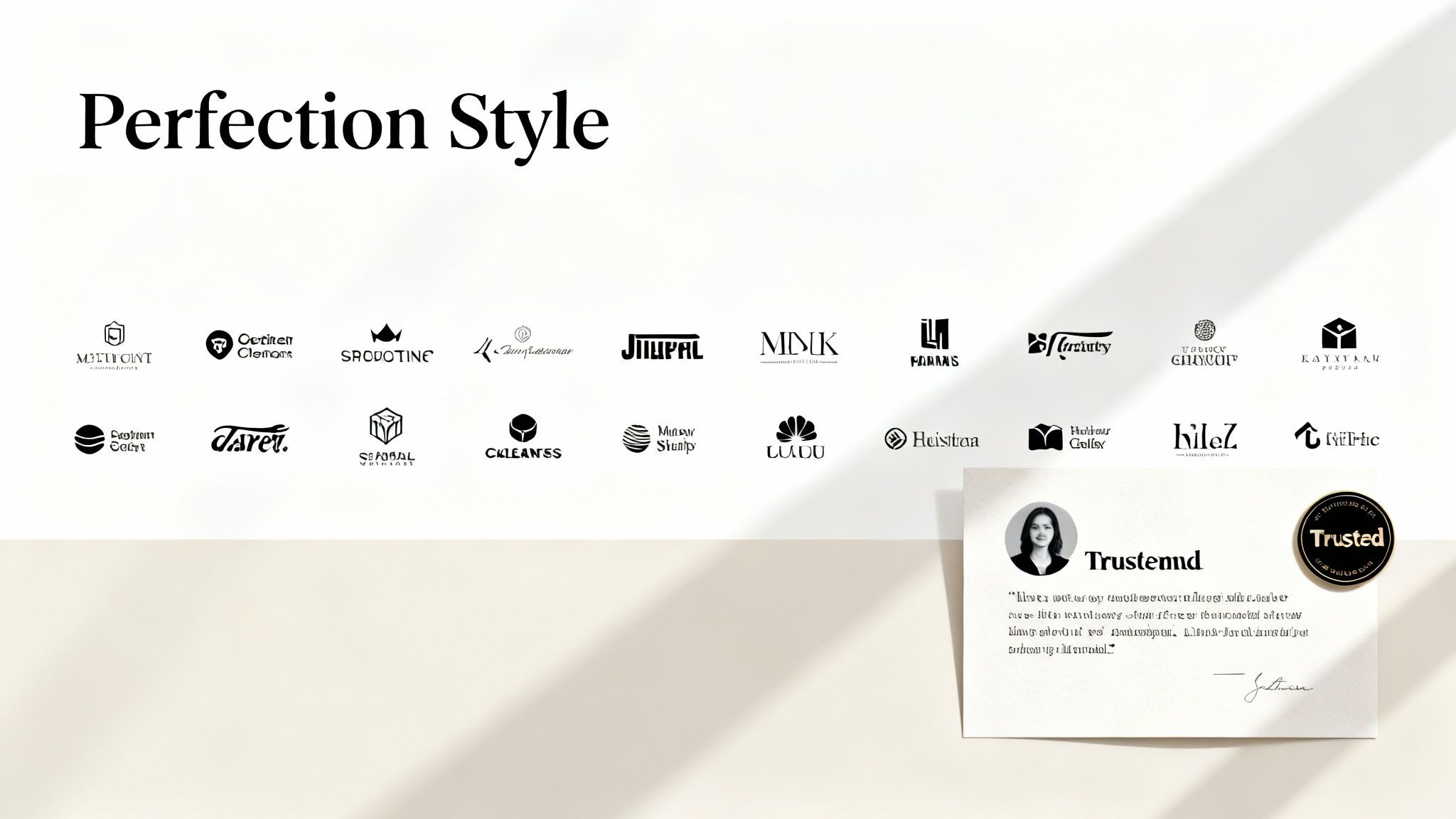
Trust signals and social proof are design elements that establish credibility and reduce perceived risk in B2B buying decisions. These include customer testimonials, case studies, certifications, award badges, and client logos. For professional services firms, where decision-makers need absolute confidence in your ability to deliver results, these signals are essential conversion tools.
Integrating these elements strategically throughout your site addresses skepticism head-on, building the confidence necessary to move a prospect through the sales funnel. This is one of the most crucial best practices for web design because it directly validates your claims and answers the visitor's core question: "Can I trust this company to solve my problem?"
Why It Works for B2B and SaaS
Companies like Salesforce leverage this by displaying "Trusted by 150,000+ customers" alongside industry badges, immediately conveying scale and authority. Deloitte features a prominent wall of Fortune 500 client logos, which acts as a powerful, non-verbal endorsement. This psychological principle works because buyers rely on the actions and endorsements of others to make safe, informed decisions. A detailed McKinsey case study with specific ROI metrics is far more persuasive than a generic marketing claim.
Actionable Implementation Tips
- Be Specific: Instead of "significant improvement," use quantifiable metrics like "achieved a 34% efficiency improvement." Specificity builds credibility.
- Use Recognizable Logos: Display logos from reputable, well-known clients to leverage their brand authority for your own.
- Humanize Testimonials: Increase testimonial credibility by over 50% by including a real photo, full name, and job title of the person providing it. Video testimonials are even more powerful.
- Showcase Industry Recognition: Prominently display awards, certifications (e.g., ISO, Salesforce Platinum), and industry recognition badges to validate your expertise.
- Implement Schema Markup: Use schema markup for star ratings and reviews to enhance your appearance in search engine results pages (SERPs).
By weaving a strong narrative of trust and validation throughout your site, you create a more compelling case for your services. To understand how third-party validation impacts your digital presence, you can learn more about how Google reviews influence SEO rankings.
6. Data-Driven Design and Conversion Rate Optimization
Data-driven design replaces guesswork with user behavior data, analytics, and controlled testing to inform design decisions. Conversion Rate Optimization (CRO) is the practical application of this philosophy: a systematic process for increasing the percentage of website visitors who complete a desired action. For B2B firms, this is one of the most vital best practices for web design as it directly connects site changes to measurable ROI.
This methodology uses tools like analytics, heatmaps, session recordings, and A/B testing to continuously refine the user journey and improve conversion funnels. Instead of relying on subjective opinions about what looks best, your team can make choices based on what demonstrably works, ensuring every design element serves a strategic business purpose.
Why It Works for B2B and SaaS
Companies that embrace CRO see significant returns. For instance, Conversion.com reports its clients see an average 23% improvement in conversion rates after implementing structured programs. B2B and SaaS purchase decisions are often complex and involve multiple touchpoints. Optimizing each step of that journey, from a landing page headline to the number of fields in a form, can dramatically impact lead quality and quantity, turning your website into a highly efficient client acquisition engine.
Actionable Implementation Tips
- Start with an Analytics Audit: Use Google Analytics or a similar tool to identify your high-traffic pages with high bounce rates or low conversion. These are your best candidates for initial testing.
- Implement Conversion Tracking: Ensure every key action is tracked as a goal. You can't optimize what you don't measure, from form submissions to "contact us" clicks.
- Use Heatmaps: Tools like Hotjar or Crazy Egg show where users click, how far they scroll, and where they get stuck, providing invaluable qualitative insights to guide your test hypotheses.
- Test One Element at a Time: To achieve clean results, isolate variables. Test a headline against another headline, or a CTA button color against another, but not both simultaneously.
- Prioritize with a Framework: Use a model like the VIE (Value, Impact, Ease) framework to decide which tests to run first, focusing on changes that offer the biggest potential impact with the least effort.
- Ensure Statistical Significance: Don't end a test prematurely. Wait until you have enough data (typically 95% statistical confidence) to declare a winner.
7. SEO-Optimized Site Architecture and Copywriting
SEO optimization involves structuring your website’s architecture, content, and code to rank higher in search engine results and attract qualified organic traffic. For B2B and SaaS companies, where prospects actively research complex solutions, organic search is often the primary source of high-intent leads. An SEO-friendly site is a non-negotiable component of a modern digital strategy.
This discipline combines technical foundations, on-page content, and off-page authority to capture critical search visibility. Integrating SEO from the ground up is one of the most impactful best practices for web design because it directly supports long-term lead acquisition, builds brand authority, and reduces reliance on paid advertising. A well-designed site that nobody can find is a wasted investment.
Why It Works for B2B and SaaS
Companies like HubSpot have built empires on this strategy, generating over a third of their leads from organic search by creating a vast library of helpful, optimized content. This approach works because it aligns your website with how search engines like Google discover, understand, and rank information. By structuring your site logically and creating content that answers your ideal client's questions, you position your firm as a trusted authority, capturing them at the precise moment they are looking for a solution like yours.
Actionable Implementation Tips
- Target Buyer Intent: Conduct keyword research focused on solution-aware and problem-aware queries, not just brand names. Think about what pain points your prospects are trying to solve.
- Create Pillar and Cluster Content: Develop comprehensive "pillar" pages for your core services and support them with "cluster" blog posts that cover specific subtopics in-depth.
- Optimize On-Page Elements: Write compelling title tags under 60 characters that include your primary keyword. Ensure that keyword also appears naturally in your H1 heading and the first 100 words of your copy.
- Build Internal Links: Strategically link from high-authority pages on your site (like your homepage or popular blog posts) to the new pages you want to rank.
- Implement Schema Markup: Add FAQ or Service schema to your pages to help Google understand your content better and increase your chances of earning rich snippets in search results.
8. Accessibility and Inclusive Design (WCAG Compliance)
Accessibility ensures your website is usable by everyone, including people with disabilities related to vision, hearing, cognition, and motor skills. This approach follows the Web Content Accessibility Guidelines (WCAG), which provide a shared standard for making web content more accessible. For B2B and SaaS companies, this isn't just an ethical responsibility; it's a critical business strategy.
Embracing accessibility is one of the most fundamental best practices for web design because it expands your market reach and improves the user experience for all visitors. A site with high contrast is easier for everyone to read in bright sunlight, and video captions help users in noisy environments. Neglecting accessibility not only alienates a significant portion of the population but can also lead to legal challenges under regulations like the ADA.
Why It Works for B2B and SaaS
Microsoft is a prime example, making accessibility a core part of its product design, which has improved usability for all users and strengthened its brand reputation. An accessible B2B platform means a potential client with a visual impairment can use a screen reader to easily navigate your services, or a decision-maker with a motor disability can use keyboard-only navigation to request a demo. This removes barriers to entry, builds brand trust, and can be a significant competitive differentiator.
Actionable Implementation Tips
- Audit Your Site: Use tools like WAVE, Axe, or Lighthouse's accessibility checker to identify immediate issues.
- Ensure Proper Color Contrast: Aim for a contrast ratio of at least 4.5:1 for normal text and 3:1 for large text to meet WCAG AA standards.
- Use Semantic HTML: Write clean, logical code using elements like
<nav>,<main>, and<button>so assistive technologies can interpret your site's structure. - Provide Alt Text for Images: Write descriptive alternative text for all meaningful images to convey their content and function to screen reader users.
- Test with Keyboard Navigation: Unplug your mouse and try to navigate your entire site using only the Tab, Enter, and arrow keys.
- Add Captions and Transcripts: Ensure all video and audio content includes synchronized captions and a full transcript for users with hearing impairments.
9. Content Clarity and Value-Focused Copywriting
Effective web copy moves beyond describing what your service does; it clearly communicates its value, addresses customer pain points, and guides the decision-making process. Value-focused copywriting shifts from jargon and feature lists to benefit-driven, outcome-oriented language. This approach resonates deeply with busy B2B decision-makers by making the "why" immediately obvious.
This is one of the most essential best practices for web design because even the most beautiful layout will fail if the messaging is confusing or self-serving. For professional services firms and SaaS companies, clarity in how you position your value directly impacts lead quality and conversion rates. It reduces cognitive load, keeps visitors engaged, and answers the crucial question: "What's in it for me?"
Why It Works for B2B and SaaS
Salesforce's clear "The #1 CRM" positioning, paired with strong benefit statements, drives significantly higher engagement than feature-focused copy. This strategy works because B2B buyers aren't purchasing features; they are purchasing solutions to complex problems and a direct path to better business outcomes. Clear, value-first messaging from companies like HubSpot and Stripe builds instant credibility and justifies a premium price point by focusing on the solution, not just the tool.
Actionable Implementation Tips
- Lead with Outcomes: Instead of "Our CRM software has automation," write "Reduce your sales cycle by 30%." Frame every feature as a direct benefit to the client.
- Speak to Specific Stakeholders: Recognize that a CTO and a CMO have different pain points. Tailor messaging on relevant pages to address their unique challenges.
- Use Specific, Measurable Results: Replace vague claims like "significant growth" with concrete data such as "Our clients see a 75% average increase in qualified leads."
- Front-Load the Value: Place your most compelling benefit or solution statement in your main headline and the first sentence of your body copy.
- A/B Test Your Messaging: Test different copy variations to see what resonates most. Pit a problem-first headline against a solution-first headline to gather data on what drives more conversions.
10. Progressive Disclosure and Form Optimization
Progressive disclosure is a design technique that reveals information and options incrementally, preventing users from being overwhelmed. Applied to forms, it means showing only the most essential fields first and revealing subsequent fields based on user input. This strategic approach reduces cognitive load and friction, which is crucial for B2B lead generation where lengthy forms are a primary cause of abandonment.
Optimizing forms with this method is one of the most impactful best practices for web design because it directly tackles conversion bottlenecks. Instead of confronting a prospect with a daunting 10-field questionnaire, you guide them through a simple, step-by-step process. This seemingly small change can dramatically increase lead volume and improve the quality of information collected over time.
Why It Works for B2B and SaaS
Reducing initial form fields consistently improves contact form conversion rates, a pattern confirmed across multiple published form-length studies. This works because it aligns with human psychology; users are more likely to complete a process they’ve already started (the commitment principle). For a SaaS company offering a demo, a simple two-step form that first asks for an email and then asks for more details on the next screen feels far less intimidating, leading to higher completion rates.
Actionable Implementation Tips
- Reduce Initial Fields: Aim for a maximum of 5-7 essential fields for initial contact or lead generation forms. More can be requested later in the sales process.
- Use Conditional Logic: Show or hide fields based on previous answers. For example, only ask for "Company Size" after a user has entered their "Company Name."
- Implement Multi-Step Forms: Break longer forms into logical, bite-sized chunks. Always include a progress bar to show users how close they are to completion.
- Apply Smart Defaults and Inline Validation: Pre-fill known information and provide real-time feedback as users type, preventing them from having to correct errors after submission.
- Leverage Progressive Profiling: For returning visitors, use smart forms that hide fields they have already completed and ask for new information instead, progressively building a detailed contact profile.
Top 10 Web Design Best Practices Comparison
Turning Best Practices into Business Growth
We've explored a comprehensive roadmap detailing the essential best practices for web design. From the foundational principles of mobile-first responsiveness and lightning-fast page speed to the nuanced strategies of trust signal integration and accessible design, each practice serves a singular purpose: to transform your website from a passive digital brochure into an active, high-performance business asset. The journey through these ten core areas reveals a fundamental truth about modern web design: it's less about subjective aesthetics and more about objective performance.
The most impactful takeaway is the shift from a "set it and forget it" mentality to one of continuous, data-driven evolution. Your website is a living entity, constantly interacting with users and search engines. The insights gained from analytics, heatmaps, and user feedback are direct instructions on how to refine your platform to better serve your audience and achieve your business objectives. This iterative process of testing, learning, and optimizing is what separates a good website from a great one.
From Checklist to Competitive Advantage
Applying these principles systematically creates a powerful flywheel effect. A clear information architecture, for example, doesn't just improve the user experience; it also enhances SEO by helping search engine crawlers understand your content. Similarly, optimizing for Core Web Vitals improves your search rankings while directly reducing bounce rates. Each of these best practices for web design is interconnected, creating a resilient digital experience when implemented together.
Consider the journey of a potential B2B client:
- They discover your site through an SEO-optimized blog post that addresses their pain point.
- The page loads instantly due to performance optimization, preventing them from clicking away.
- The mobile-first design ensures a seamless experience on their smartphone.
- Clear navigation and a logical site structure guide them effortlessly to your services page.
- Value-focused copywriting and integrated trust signals (like case studies and testimonials) build credibility.
- A strategically placed CTA prompts them to request a demo through an optimized, user-friendly form.
This entire sequence is powered by the deliberate application of the principles we've discussed. It's a strategic system designed to attract, engage, and convert high-intent prospects into valuable leads.
Your Actionable Path Forward
Mastering these concepts is a commitment to excellence that pays substantial dividends in lead generation, brand authority, and revenue growth. Your next step is to move from knowledge to action. Begin by conducting a thorough audit of your current website against the ten practices outlined in this article. Identify the low-hanging fruit, the areas where a small investment can yield the most significant improvement.
Perhaps it's compressing images to boost page speed or rewriting your CTAs to be more specific. Or maybe it's a larger initiative, like restructuring your site's navigation or embarking on an accessibility compliance project. Regardless of the starting point, the key is to begin. The digital landscape is relentlessly competitive; leveraging these proven best practices for web design is no longer just an option, it's a fundamental requirement for sustainable business growth.
Ready to transform your website into a predictable lead generation engine? At Twelverays, we specialize in implementing these data-driven best practices to build and optimize high-performance websites that fuel business growth. Schedule a consultation with Twelverays today to see how we can help you turn your digital presence into your most valuable asset.
Related service: Web development services.
Sources checked: demandsage.com, corewebvitals.io, marketingdive.com.


