

Most endpoint migrations fail in the same place: not the install, the uninstall. Teams that migrate to Bitdefender GravityZone without incident plan the removal first. Getting the agent onto a machine is straightforward. Getting the previous agent cleanly off it, on every machine, without leaving a window where nothing is protecting anything, is the part that needs a plan.
This is a practical Bitdefender GravityZone migration guide for IT teams doing the work rather than approving it. It covers the pre-flight, what the installer handles for you, what it will not, and how to sequence a rollout so each endpoint cutover stays brief and controlled. The mechanics come from Bitdefender's own documentation, checked August 2026.
Terms this guide uses
- Bitdefender Endpoint Security Tools (BEST) is the security agent that runs on each Windows endpoint. It is the thing being installed.
- Control Center is the GravityZone management console, where policy, licensing, and deployment tasks live.
- Install Agent task is the remote deployment job you run from Control Center. It detects incompatible software, removes it, reboots, and installs the agent as one operation.
- Exclusions are the paths, processes, and file types the scanner is told to skip, usually for line-of-business applications that misbehave under inspection.
- Cutover is the moment the new agent takes over enforcement on a machine. A clean migration keeps the gap before cutover down to minutes.
Before you migrate to Bitdefender GravityZone
Three things decide how smooth this goes, and all three are cheaper to settle now than mid-rollout.
Know your real endpoint count, split by type. Workstations, servers, and virtual machines each behave differently during deployment, and they price differently too. Bitdefender's licensing covers desktops and laptops plus up to 30% file servers, and mobile protection is a separate add-on rather than part of the seat count. Our Bitdefender pricing guide covers the counting rules.
Pick the tier before you deploy, not after. Changing tier later means re-pushing policy, and the tiers differ in what you can actually configure. Detection and response arrives in GravityZone Business Security Enterprise rather than Premium, which is the single most common tier mistake we see. Our tier comparison works through which level replaces what.
Inventory what is currently installed, including the things nobody remembers. Old management agents, a firewall product from a previous vendor, a trial that was never removed. These are exactly what will stall the rollout, and they are easier to find now than to diagnose from a failed task report later.
What the installer removes for you, and what it will not
This is the part most migration plans get wrong, in both directions. Some teams assume they must manually uninstall everything first. Others assume the installer handles all of it. Neither is right.
Bitdefender Endpoint Security Tools, the Windows agent, is explicit that it is incompatible with other antimalware, firewall, or security software, and that running it alongside another security product may affect their operation and cause major problems with the system. So the old agent has to go. The question is who removes it.
The agent scans for and detects a large number of incompatible security programs during installation. When you deploy remotely using the Install Agent task from Control Center, the installer automatically attempts to uninstall any incompatible software it detects.
Two consequences worth planning around:
- Machines reboot mid-deployment. After removing the detected programs, the computer restarts and installation resumes automatically. That is fine on a Tuesday morning for office laptops and much less fine for a production server at 10am.
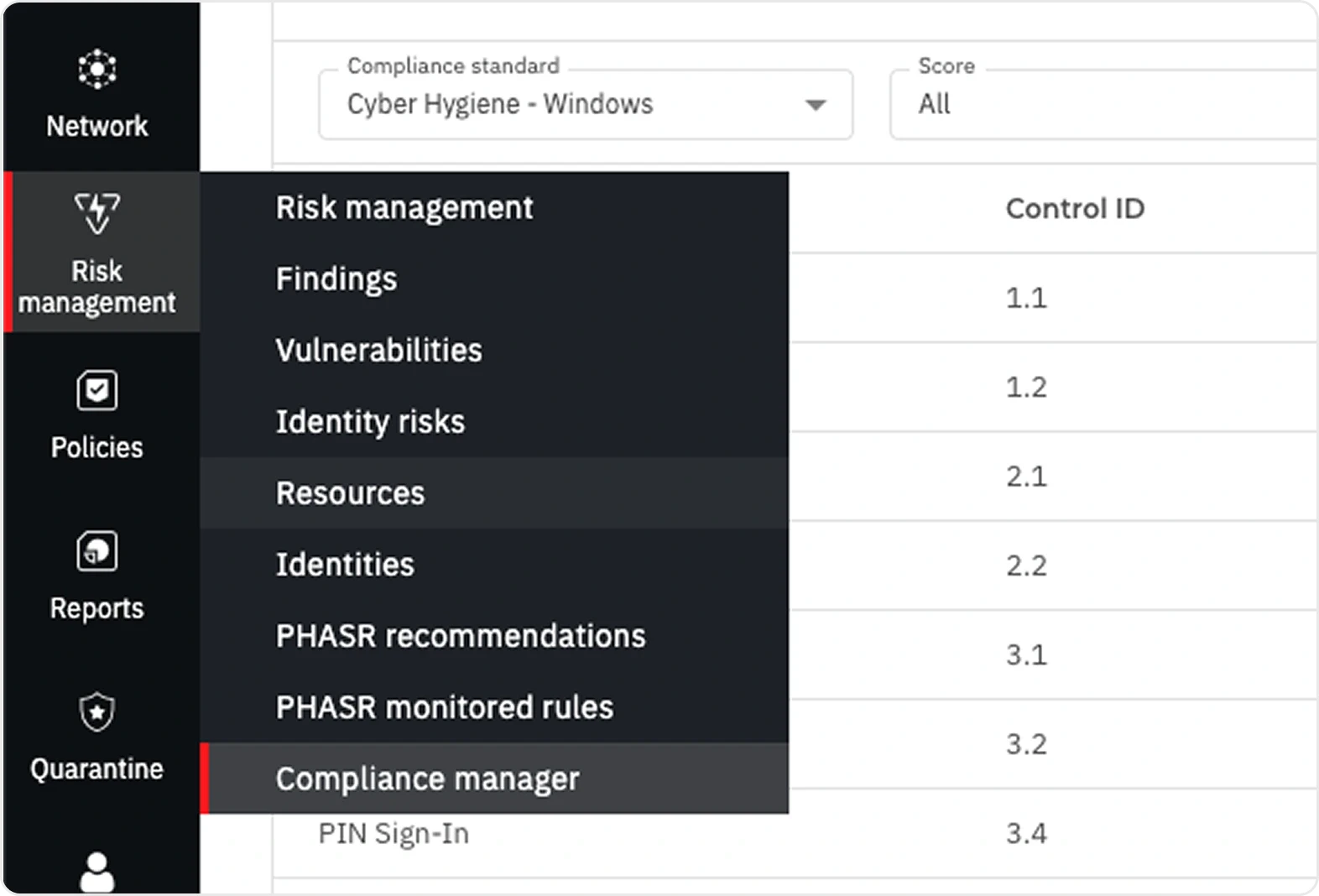
- Some programs cannot be removed automatically. When that happens the installer stops rather than proceeding, and sends an error to Control Center. Those failures land in the task report, reachable by clicking the task name on the Network > Tasks page. Check that report rather than assuming a quiet task succeeded.
There is also a Windows-specific behavior worth knowing before somebody files a ticket about it. Windows Defender and Windows Firewall are automatically turned off before the agent installation initializes. Afterwards, Windows Defender is automatically re-enabled if enforcement methods such as GPO are in place, and once enabled the security agent no longer manages Defender activation. That applies to Windows 7, 8, and 8.1, and to Windows Server 2016, 2019, and 2022. On Windows 10 and 11 the feature is controlled dynamically by Windows through the Action Center.
Servers behave differently, and this is the part that bites. Microsoft documents that on Windows Server 2016 and later, Server version 1803 or newer, Server 2012 R2, and Azure Stack HCI OS version 23H2 and later, Microsoft Defender Antivirus does not enter passive mode automatically when you install a non-Microsoft antivirus product. Workstations resolve this themselves. Servers do not. Microsoft's guidance is to set Defender to passive mode deliberately through the ForceDefenderPassiveMode registry value, or to remove the feature with Uninstall-WindowsFeature Windows-Defender and restart. Two antivirus products running live on a server is precisely the problem that guidance exists to prevent, and it is easy to end up there without noticing.
One related detail worth carrying into the renewal conversation: Microsoft states that a Defender instance which was disabled automatically can re-enable itself if the non-Microsoft product expires, is uninstalled, or otherwise stops providing real-time protection. A lapsed license therefore changes what is enforcing on the endpoint, which our license renewal guide covers in more detail.
How to switch from Kaspersky to Bitdefender
Kaspersky migrations are their own category, because most of them are driven by a compliance deadline rather than a product preference.
The US Commerce Department's Bureau of Industry and Security issued a final determination prohibiting Kaspersky from selling its software in the United States or updating it: no new sales from 20 July 2024, and no software updates from 29 September 2024. The details are on BIS's own Kaspersky page. An unsupported antivirus product is worse than none, because it still holds the enforcement position on the endpoint while no longer receiving the intelligence that makes it useful.
Practically, a Kaspersky-to-GravityZone move follows the standard sequence below, with two additions.
Check for password-protected uninstall. Bitdefender names password protection as one of the situations where a detected program cannot be removed, and when it is enabled, Kaspersky's own remote uninstall task will not run without the administrator password. Retrieve the uninstall password from the Kaspersky console before you schedule anything, and confirm it works on one machine.
Check for the management server too. Removing the endpoint agent leaves the Kaspersky Security Center behind. It is no longer managing anything after cutover, so decommission it deliberately rather than leaving an orphaned server holding credentials.
GravityZone cloud security deployment or on-premises
GravityZone runs either as a Bitdefender-hosted cloud console or on your own infrastructure, and the choice is mostly about who operates the management layer.
Cloud is the default and the faster path. Bitdefender hosts and maintains Control Center, so there is no management server to size, patch, or back up. Deployment starts as soon as your license is active.
On-premises is a deliberate choice for a specific constraint, usually a data-residency requirement, an air-gapped environment, or a policy that keeps management planes inside the estate. It is a real deployment with real maintenance attached. On-premises, Control Center itself is provided free with any GravityZone security service, so what you pay for is the infrastructure and the upkeep. It also changes where licensing lives: on-premises keys are managed from Configuration > License in Control Center, while cloud licensing sits under your profile in My company.
If nobody in the room can name the constraint driving on-premises, cloud is the right answer.
Migrating endpoint security with a controlled cutover
Downtime in this context does not mean the machine is off. It means a window where the old agent is gone and the new one is not yet enforcing. Keep that window down to minutes and the migration is invisible to everyone else.
The sequence that works:
- Pilot on 5 to 10 representative machines. Include a server, a laptop belonging to somebody who installs their own software, and anything running unusual line-of-business applications. Those are where policy conflicts surface, and finding them on 8 machines is cheap.
- Build the policy before the rollout, not during it. Exclusions, scan schedules, and update behavior should already be configured when the second wave lands.
- Deploy in waves by group, not all at once. A wave you can watch is a wave you can stop.
- Let the installer handle removal per machine. The removal and the install are one operation with a reboot in the middle, which is precisely why the gap stays in minutes and runs unattended: the machine is not sitting bare while somebody schedules the next step.
- Read the task report after every wave. Failed removals are the expected failure mode and they are reported, not silent.
- Keep the old console until the last wave is verified. Decommission it deliberately, once, at the end.
The mistake worth naming: running both products in parallel "just to be safe" during the transition. Two enforcing agents on one machine cause file contention, duplicated alerts, and degraded performance. Parallel running is a migration state measured in minutes per machine, not a hedging strategy measured in weeks. Our comparisons with Microsoft Defender for Business and CrowdStrike both cover why that particular shortcut costs more than it saves.
Policy mapping: what does not carry over
Nothing carries over. There is no import path between vendors, and the policy you had is not the policy you will build. That is not a GravityZone limitation, it is what switching platforms means.
What actually needs rebuilding:
- Exclusions. The list your previous vendor accumulated over years, usually for line-of-business applications, database directories, and backup agents. This is the single biggest source of post-migration tickets, and it is the one thing worth extracting from the old console before you decommission it.
- Scan schedules. Translate the intent rather than the settings. A 2am full scan on a machine that is off at 2am was already not running.
- Update and reboot behavior. Decide deliberately for servers.
- Role-based access. Who administers what, and who only reads reports.
- Reporting. Whatever your auditors or leadership actually receive, rebuilt so the first month's report is not a surprise.
Extract the exclusion list first. Everything else can be rebuilt from intent; exclusions are institutional knowledge that exists nowhere but that console.
Endpoint security automation workflows after cutover
The migration is a project. What follows it is a process, and the teams that get value from the switch are the ones that decide upfront what happens automatically.
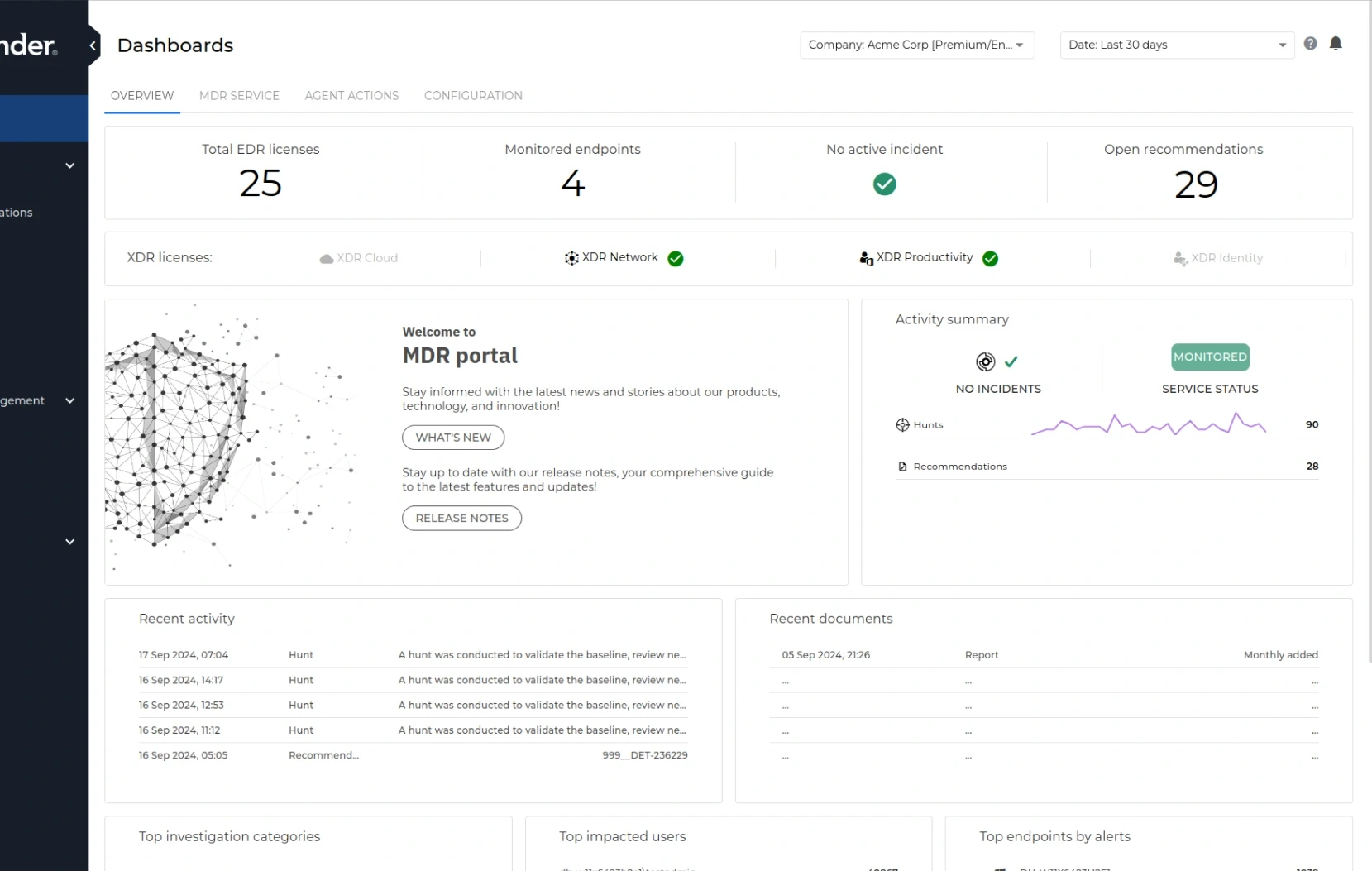
Three questions worth answering while the estate is fresh in mind. Which detections auto-remediate and which wait for a human. Who is notified, through which channel, and how quickly that notification reaches somebody who can act. What happens outside business hours, which for most companies under a few hundred people is the honest gap in the plan.
That last one is where Bitdefender MDR fits: Bitdefender's own security operations center watching the environment around the clock rather than alerts accumulating until morning. The same thinking about what should run without a person in the loop runs through our workflow automation practice, and the habits around it are covered in our cybersecurity best practices guide.
Questions we get asked
How long does a migration take? For a few hundred endpoints with a clean inventory, plan a pilot week and then two to three waves. The variable is almost never the install. It is how many machines have something unexpected installed, and how quickly you can get the uninstall password for it.
Do we need to touch every machine manually? No. Remote deployment through the Install Agent task handles detection, removal, reboot, and installation as one operation. Manual attention is for the exceptions the task report flags.
What happens to machines that are off during a wave? They pick up the deployment when they check in. Keep the wave open rather than declaring it finished, and reconcile against your inventory rather than against the console alone. Machines nobody has switched on for months are also the ones quietly holding license seats, which matters at renewal.
Can we migrate servers and workstations at the same time? You can, and it is usually better not to. Servers deserve their own wave with a maintenance window, because the removal step reboots the machine.
Do you cover the US as well as Canada? Both. We are a Bitdefender Reseller Gold Partner working with businesses across the United States and Canada, and licensing, deployment, and renewals run the same way in either country. That Gold status is what makes the pricing work: it opens deeper partner discounts across the GravityZone catalog, and that room goes into your quote.
Will our old license be refunded? That is between you and the previous vendor, and it depends on their terms. Worth asking before the renewal date rather than after, since an overlapping month of double coverage is a normal and acceptable cost of a clean cutover. Our license renewal guide covers timing the switch against a renewal date.
The short version
- The uninstall is the hard part, not the install. Plan around removal, not deployment.
- The Install Agent task detects and removes incompatible security software automatically, then reboots and resumes. Some products cannot be removed automatically, and those failures are reported to Control Center.
- Windows Defender and Windows Firewall are turned off before installation, and Defender re-enables afterwards where GPO enforcement is in place.
- Kaspersky migrations run on a compliance clock and usually need an uninstall password retrieved in advance.
- Cloud deployment is the default; choose on-premises only for a constraint somebody can name.
- No policy carries over between vendors. Extract the exclusion list before decommissioning the old console.
- Never run two enforcing agents in parallel as a strategy.
Send us your endpoint count split by workstations, servers, and mobiles, plus what you run today and your current renewal date, and we will come back with a migration plan and a right-sized quote at partner-tier pricing. We are a Bitdefender migration partner serving Canadian businesses nationwide, with US coverage available. Gold is a discount tier rather than a badge, so the migration quote carries deeper partner pricing, and the team that quotes the licenses is the team that runs the cutover. Our Bitdefender Gold Partner practice in Canada covers how we run deployments.


