

The n8n vs Make vs Zapier vs Relay debate looks like a feature comparison until the invoice arrives. Every mid-market team running workflow automation for mid-market operations hits the same wall: the platform that felt free in month one starts taxing every workflow you add by month six.
Mid-market businesses cannot afford to guess on this decision. Mid-market firms account for roughly one-third of private-sector GDP and employment in developed economies, according to a World Economic Forum analysis, yet up to 95% of AI and automation pilots at these firms never scale past a proof of concept. The gap between "we automated something" and "automation runs our operations" is where platform choice actually matters.
n8n vs Make vs Zapier: Why Workflow Automation for Mid-Market Teams Gets Expensive
The wrong platform does not just slow your team down. It compounds cost, fragments data, and caps what you can build. A team usually starts with one simple automation, a form submission triggers a Slack message. Then the business grows, the logic gets more complex, and finance starts asking why the automation bill tripled.
Three pillars decide whether a platform holds up past that first six months:
- Cost. How does pricing scale with task volume, operations, or execution count?
- Complexity. Can the tool run conditional logic, error handling, and multi-branch workflows without a developer on call?
- Control. Where does your workflow data actually live, and who can see it?
Data sovereignty is the pillar most teams ignore until an auditor asks about it. A cloud-hosted platform processes data on someone else's infrastructure by default. For companies handling customer records under GDPR, HIPAA, or SOC 2, that is a compliance question, not a convenience trade-off. The sections below break down Zapier, Make, n8n, and Relay against all three pillars.
Zapier: The Fast, Task-Priced Default
Zapier is a task-based, no-code automation platform with the largest connector library on the market. With 9,000+ app integrations, it removes nearly every technical barrier between a team and a working integration.
Non-technical teams can connect tools, build triggers, and ship a multi-step workflow in under an hour without writing code.
The premium is just as real. Zapier bills per task, and pricing starts at $0/month on the Free plan (100 tasks/month), moves to Professional from $19.99/month for multi-step Zaps and unlimited premium apps, and Team from $69/month for 25 users. Costs compound fast once a workflow adds high-frequency polling or multiple branches.
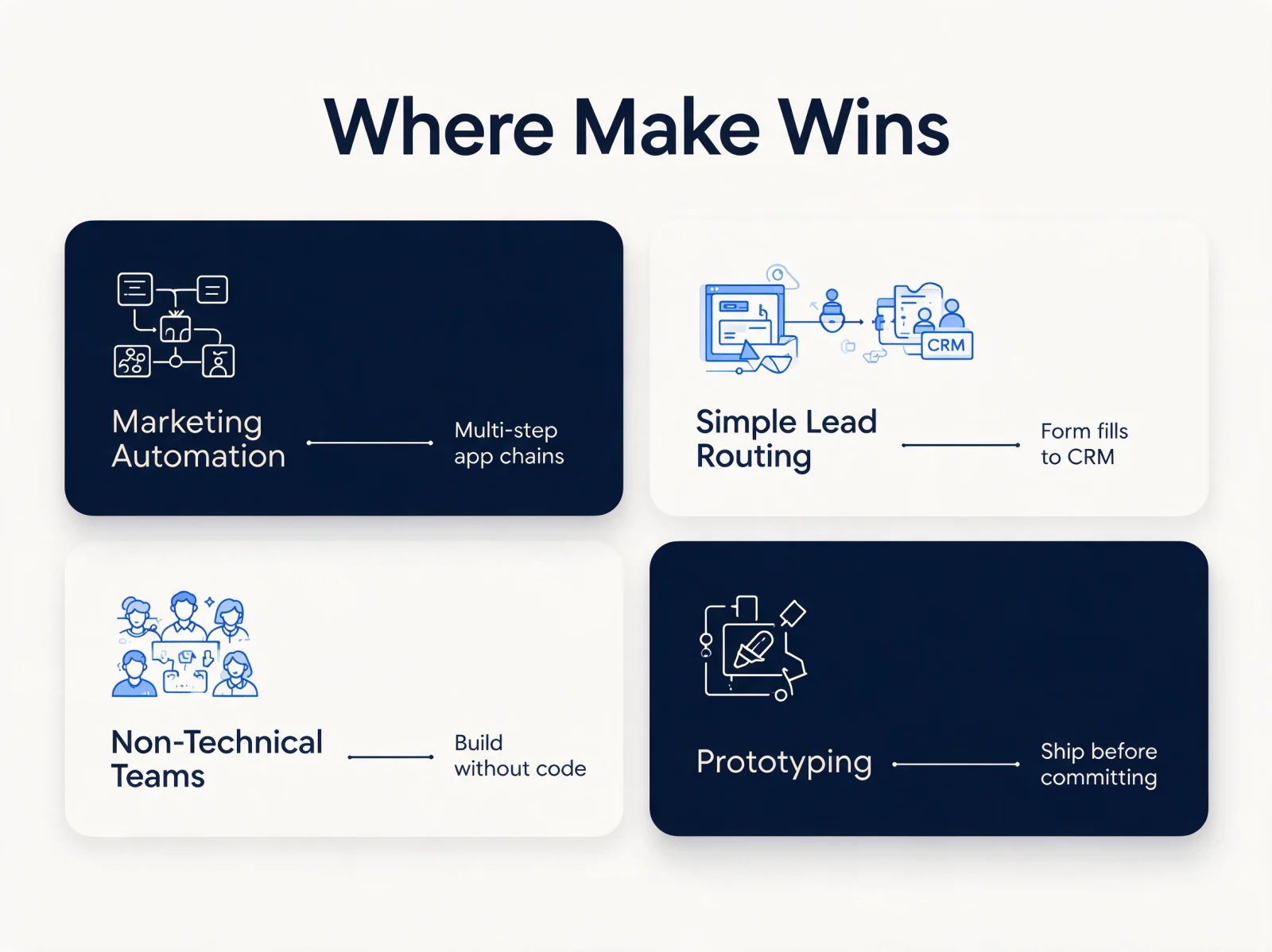
Best for: early-stage teams, MVP-phase builds, and non-technical operators running straightforward workflows like lead alerts and form-to-CRM syncs.
Make: Visual Workflows Priced by Operations
Make is a visual-canvas automation builder that bills by operations instead of tasks. Rather than a linear list of steps, Make renders the entire workflow as a diagram, so a builder can see exactly where data enters, splits, transforms, and exits.
Make separates itself with built-in advanced data operations that require custom code in simpler tools:
- Iterators process each item in an array individually, no loop required.
- Aggregators combine multiple data bundles back into a single output.
- Error handlers route failed steps to fallback paths automatically.
Is Make cheaper than Zapier? Yes, for high-volume, multi-step workflows. Make's pricing starts free (1,000 credits/month, 3,000+ apps), then Core at $12/month, Pro at $21/month, and Teams at $38/month, each priced for a 10,000-credit tier. Each module action inside a scenario counts as one credit, so a single scenario usually consumes fewer credits than the equivalent multi-step Zap costs in tasks.
The trade-off is a steeper learning curve. Make rewards a developer-minded builder, and that same depth can overwhelm a purely non-technical team.
n8n: Self-Hosted Control for Data Sovereignty and AI Agents
n8n is a fair-code, self-hostable workflow automation platform built for teams that cannot compromise on data ownership. Fair-code licensing is a source-available model: the code is open, but commercial resale is restricted, which is why n8n can offer a free, full-featured self-hosted Community Edition.
Data Residency and Compliance
When a team self-hosts n8n, workflow data never leaves its own servers. For organizations operating under GDPR or HIPAA, that is a compliance requirement, not a nice-to-have. n8n also ships native Git integration, so workflows can be version-controlled, branched, and reviewed like production code, a governance layer cloud-only builders skip.
Fair-Code Pricing at Scale
n8n's cloud pricing runs Starter at 20 EUR/month (2,500 workflow executions), Pro at 50 EUR/month (10,000 executions), and Business at 667 EUR/month (40,000 executions, self-hosted). Enterprise is quote-based, hosted by n8n or self-hosted. n8n charges per full workflow execution, not per task or per step, and self-hosting removes per-execution billing entirely. Teams processing high volumes see the largest savings the moment execution counts climb past a few thousand a month.
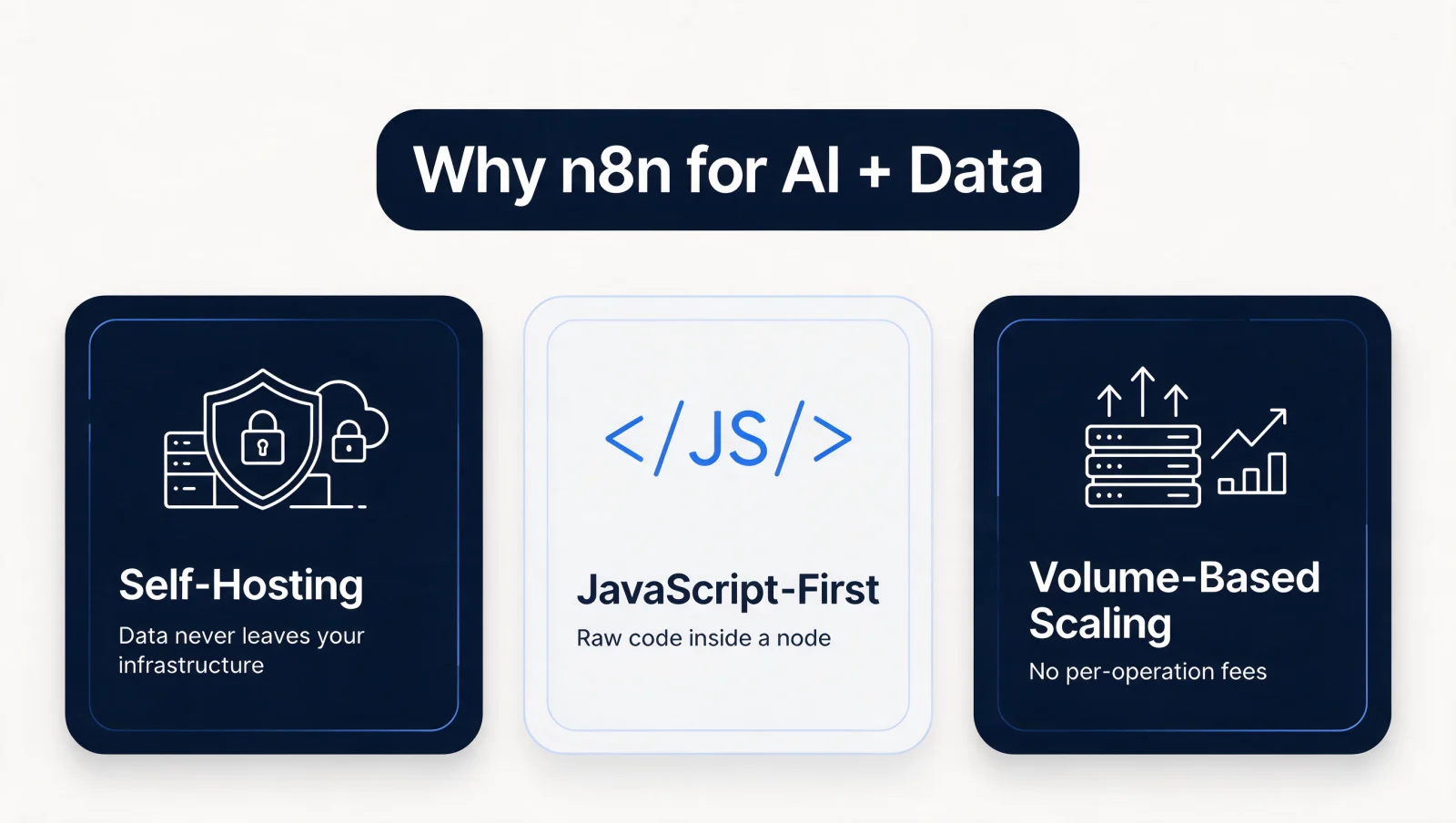
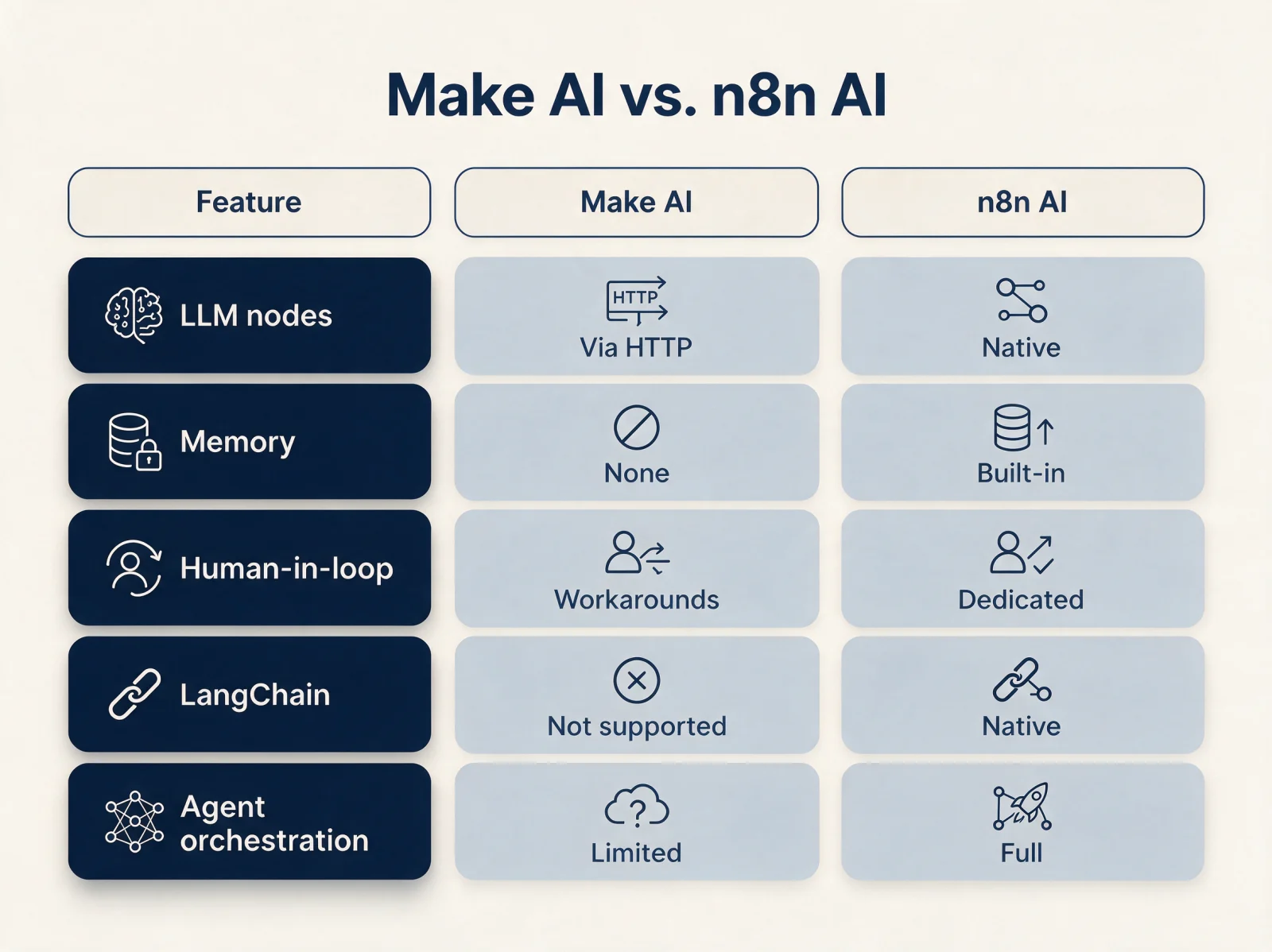
n8n also ships dedicated nodes for AI memory and tools built for LLM orchestration, plus JavaScript-first customization inside individual nodes. A RevOps team building a multi-step AI agent can maintain conversation history and invoke external tools mid-chain inside a single workflow.
The honest caveat: self-hosting means the team owns updates, uptime, and security patching. For lean teams without infrastructure staff, that overhead outweighs the savings.
Relay: The Human-in-the-Loop Alternative
Relay is a human-in-the-loop automation platform built for workflows where a person has to approve, review, or fill in a step before the run continues. Where Zapier, Make, and n8n optimize for hands-off execution, Relay treats a pause for human judgment as a feature, not a workaround.
Relay's human-in-the-loop steps come in two forms: a request-approval step over Slack or email, and a send-input-form step that asks an assignee to fill in structured data before the workflow proceeds. Practical use cases include a content approval queue before a post goes live, an onboarding sequence that pauses for a hiring manager's sign-off, or a CRM update that needs review before customer data changes.
Relay's pricing starts free (500 AI credits/month, 200 steps/month), then Professional at $19/month billed annually (750 steps/month), Team at $59/month billed annually (1,500 steps/month), and custom Enterprise. If automations touch multiple stakeholders or carry regulatory risk, Relay's approval-first model covers a gap the other three platforms were not built to fill.
n8n vs Zapier vs Make Pricing: What Each Platform Actually Charges
The n8n vs zapier vs make pricing question comes down to what gets metered: tasks, operations, executions, or steps. A workflow that looks identical on paper can cost four different amounts depending on which unit a vendor bills against.
| Platform | Pricing unit | Entry paid price | Free tier | Strongest fit |
|---|---|---|---|---|
| Zapier | Per task | $19.99/mo (Professional) | 100 tasks/mo | Fast setup, non-technical teams |
| Make | Per operation (credit) | $12/mo (Core, 10k credits) | 1,000 credits/mo | Visual multi-branch logic |
| n8n | Per workflow execution, or free self-hosted | 20 EUR/mo (Starter, 2.5k executions) | Free self-hosted Community Edition | Data sovereignty, AI agents, high volume |
| Relay | Per step, plus AI credits | $19/mo (Professional) | 200 steps/mo | Human-in-the-loop approvals |
Is n8n Better Than Zapier, and Is Make Cheaper Than Zapier?
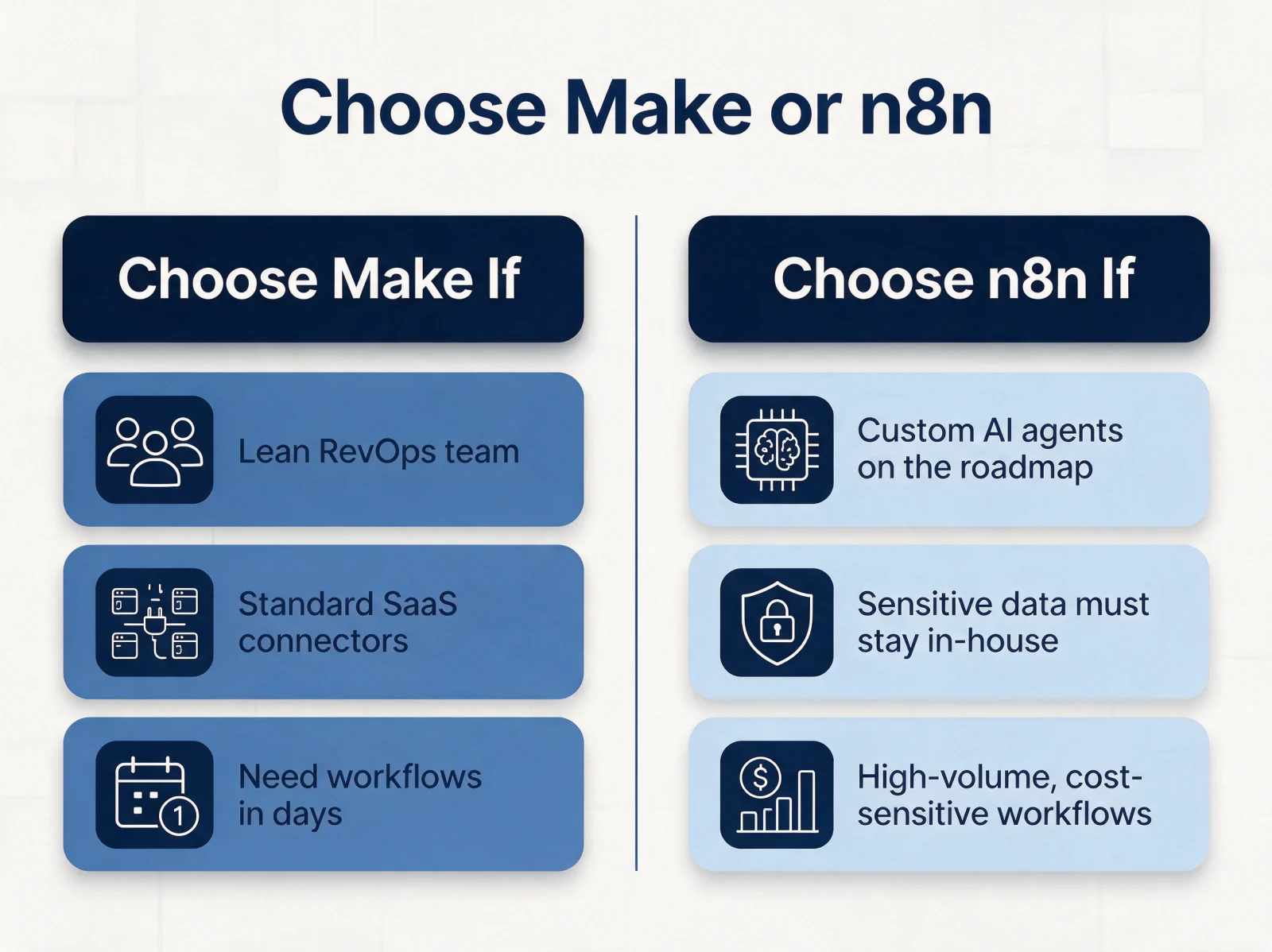
Is n8n better than zapier? Not universally: n8n wins on data control, AI agent orchestration, and cost at high volume; Zapier wins on speed to first working automation. A lean team with no infrastructure staff and a handful of standard SaaS connectors gets more value from Zapier's hour-to-live setup. A team with GDPR or HIPAA obligations, or one running thousands of executions a month, gets more value from n8n's self-hosted control and execution-based pricing.
Is Make cheaper than Zapier? For high-volume, multi-step scenarios, yes, because Make's per-operation credits stretch further than Zapier's per-task billing once a workflow branches into several steps.
Fewer than one in five organizations that pilot automation have scaled it across multiple parts of the business, according to a McKinsey Global Survey. Platform choice is not the only reason automation stalls, but a pricing model that punishes growth is a common one.
The Bottom Line: n8n vs Make vs Zapier vs Relay
Match the platform to where your organization actually is today, not to which tool has the flashiest demo. The worldwide market for hyperautomation-enabling software is on track to reach $1.07 trillion by 2028, a 13.9% compound annual growth rate, according to Gartner. That growth is coming from companies that pick a platform deliberately, not by default.
- Choose Zapier for a small team, straightforward workflows, and speed over cost efficiency.
- Choose Make for complex data mapping, multi-branch logic, or conditional routing that needs a visual canvas.
- Choose n8n for GDPR or HIPAA-sensitive data, high execution volume, or custom AI agent orchestration.
- Choose Relay when human approvals or AI-assisted review are non-negotiable parts of the workflow.
Key takeaways:
- No single platform in the n8n vs make vs zapier vs relay comparison wins on every dimension. Match the tool to the workflow, not the other way around.
- Task-based, operation-based, execution-based, and step-based pricing all charge for different things. Model your real volume before committing.
- Data sovereignty is a compliance requirement for regulated industries, not a preference. Self-hosted n8n is the only option here that keeps data off third-party infrastructure entirely.
- The tool rarely stays the bottleneck for long. Implementation planning and CRM automation design determine whether the platform pays off.
Turning Automation Choice into Operating Results
Picking a platform is the starting point. What a team builds on it determines whether automation delivers operating results or just adds another tool to maintain. Teams that treat platform selection as the finish line accumulate disconnected workflows nobody fully understands, a pattern that runs until something breaks.
Mapping every active workflow against one question exposes the gap fast: does this automation reduce manual effort, or does it just move the same work from one place to another? Handoffs between tools are where efficiency leaks, through duplicated data, reformatting, or silently dropped records.
Twelverays builds AI agents and automation architecture for Salesforce and HubSpot teams, connecting platform selection to the broader data model instead of treating it as an isolated tool decision. The AI operations design approach maps which workflows to build, retire, or redesign before a single node gets configured.
The smartest next step is not declaring a winner between n8n, Make, Zapier, and Relay. It is auditing what the current stack costs in redundant handoffs and integration gaps. A workflow automation audit is where that conversation starts.


