
Dynamics 365 Customer Engagement: The CRM Side of Dynamics, Explained
Microsoft Dynamics 365 Customer Engagement (CE) is the CRM side of Dynamics 365: the suite of apps covering sales, customer service, field service, and customer data. If your goal is managing relationships and pipeline rather than finance or inventory, CE is the part every Dynamics 365 consulting conversation should start from.
"Dynamics 365" is an umbrella over two very different worlds, and buyers regularly get lost between them. One side runs back-office operations. The other, Customer Engagement, runs everything customer-facing. Knowing the difference determines what you evaluate, what you pay for, and what kind of partner you need. This guide covers the CE side: what is in it, how it compares to the old "Dynamics CRM," and how to implement it well.
What Is Dynamics 365 Customer Engagement?
CE is the suite of customer-facing Dynamics 365 applications built on Microsoft's Dataverse platform. It is what people historically meant by "Dynamics CRM": one system for your accounts, contacts, pipeline, service cases, and customer insight.
The practical definition is simple: CE is where your customer lives. Every interaction, from the first marketing touch to the closed deal to the support ticket two years later, lands in one record your whole team works from. Because the apps share one data platform, sales sees service history, service sees the account's value, and leadership sees the whole picture without stitching reports together. That shared spine is what separates CE from a stack of disconnected point tools.
What Are the Dynamics 365 Customer Engagement Features?
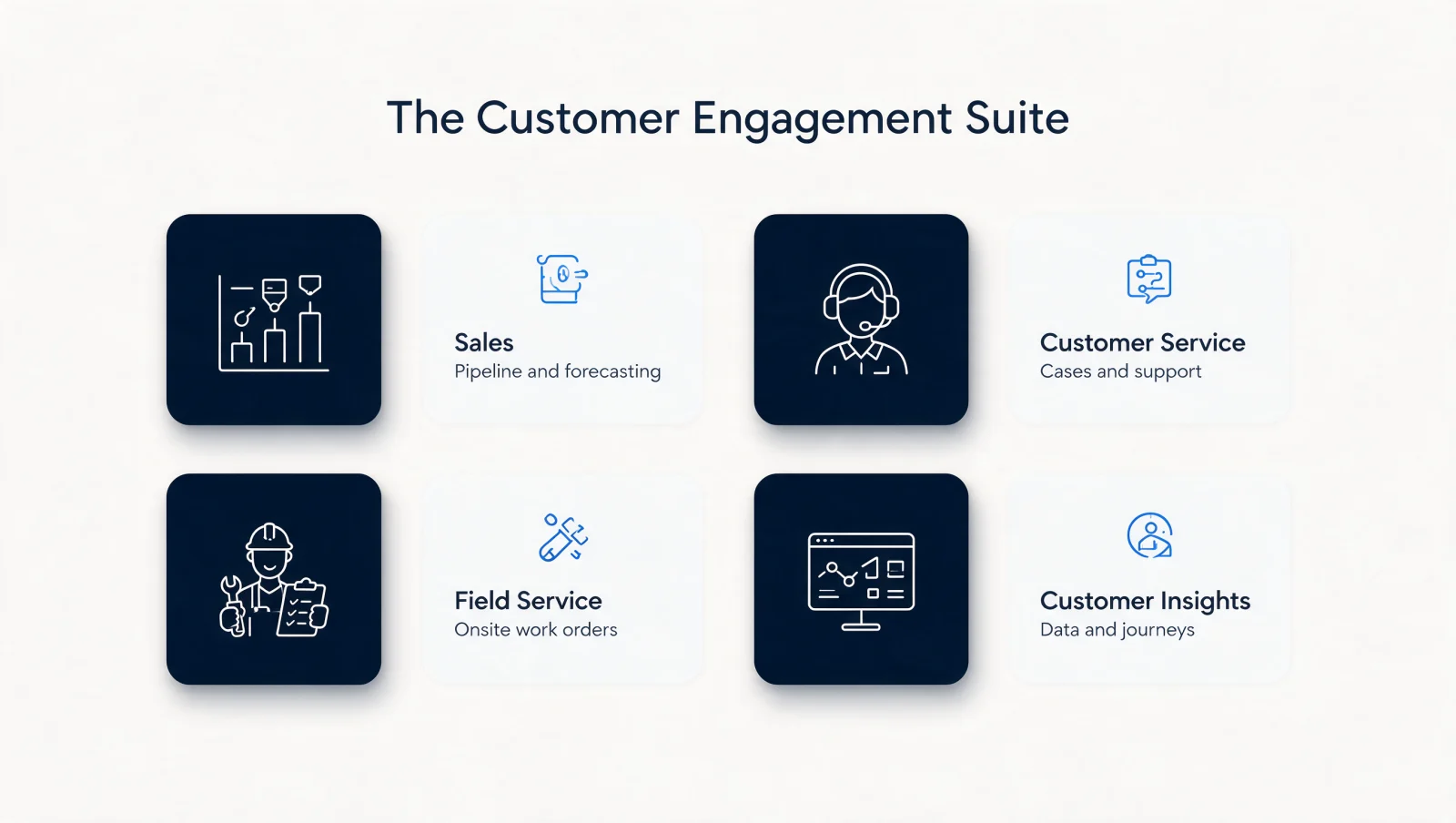
The core Dynamics 365 Customer Engagement features are four applications: Dynamics 365 Sales for pipeline, Customer Service for support, Field Service for onsite work, and Microsoft Dynamics 365 Customer Insights for marketing and customer data. You license the ones each team needs; they share one customer record.
Each app earns its place, and each is a line item a Dynamics 365 consulting engagement should scope deliberately. Sales manages leads, opportunities, and forecasting, with Copilot drafting follow-ups and summarizing deals. Customer Service runs cases, entitlements, and omnichannel support. Field Service schedules technicians and manages work orders for businesses that deliver onsite. Microsoft Dynamics 365 Customer Insights unifies customer data and runs journeys and marketing automation. Customer Insights is the data-and-journeys layer of the suite. Most mid-market deployments start with 1 or 2 of the 4 apps and expand, which the shared data model makes clean rather than painful.
Is Customer Engagement the Same as "Dynamics CRM"?
Functionally, yes. "Dynamics CRM" was the product's name before Microsoft split Dynamics 365 into modular apps. Today's CE apps are its successors, so Dynamics CRM consulting and CE consulting mean the same work: the customer-facing side of the platform.
The naming history trips up plenty of buyers. Microsoft's own Dynamics 365 documentation now organizes the product line into more than 10 distinct applications, which is why the CE-versus-ERP orientation matters before any licensing conversation. Microsoft retired the standalone "Dynamics CRM" branding when it launched Dynamics 365, splitting the old CRM into the Sales and Customer Service apps and adding the rest of the CE family around them. If your team still says "Dynamics CRM," nothing is wrong; you are describing CE. What changed is the architecture: modern CE sits on Dataverse, integrates natively with Microsoft 365 and Teams, and carries Copilot throughout, which the classic CRM never had.
Four apps, one shared customer record.
How Is CE Different from the ERP Side of Dynamics 365?
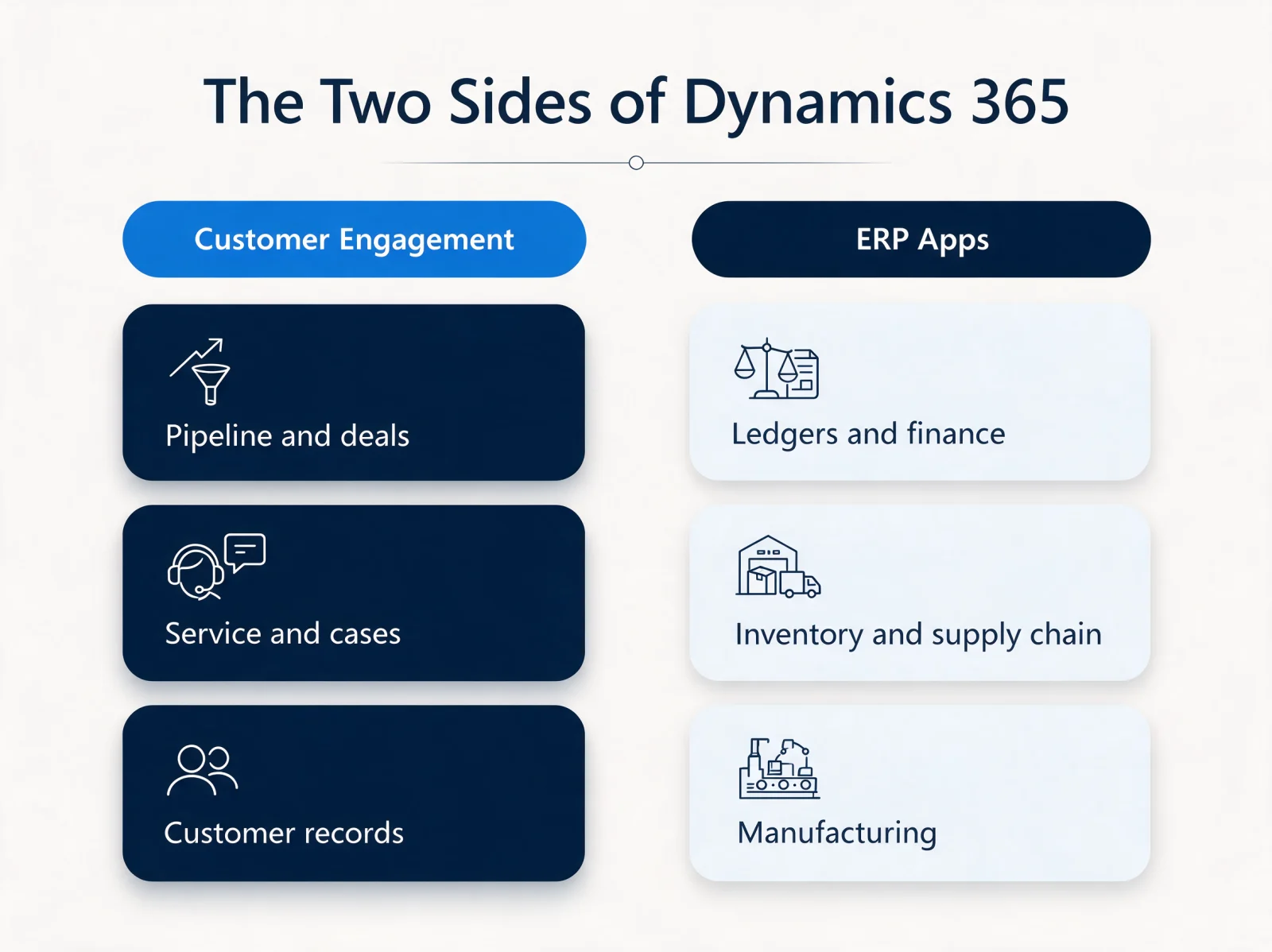
CE manages customers; the ERP apps (like Business Central and Finance) manage money, inventory, and operations. They are different disciplines with different implementation partners, and conflating them is the most common Dynamics buying mistake.
| Side | Owns | Typical buyer question |
|---|---|---|
| Customer Engagement | Pipeline, cases, customer records | "Who owns this account?" |
| ERP apps | Ledgers, inventory, manufacturing | "What did we spend?" |
One sentence of orientation saves months of confusion: if the question is about pipeline, cases, or customer records, it is CE; if it is about ledgers, supply chain, or manufacturing, it is the ERP side. The two are licensed separately, implemented differently, and rarely by the same specialists. Twelverays practices on the Customer Engagement and Power Platform side. Buyers evaluating the full umbrella should read a plain-English overview of what Dynamics 365 covers before scoping anything.
CE manages customers; the ERP apps manage operations.
Why Do Companies Move to CE from Other CRMs?
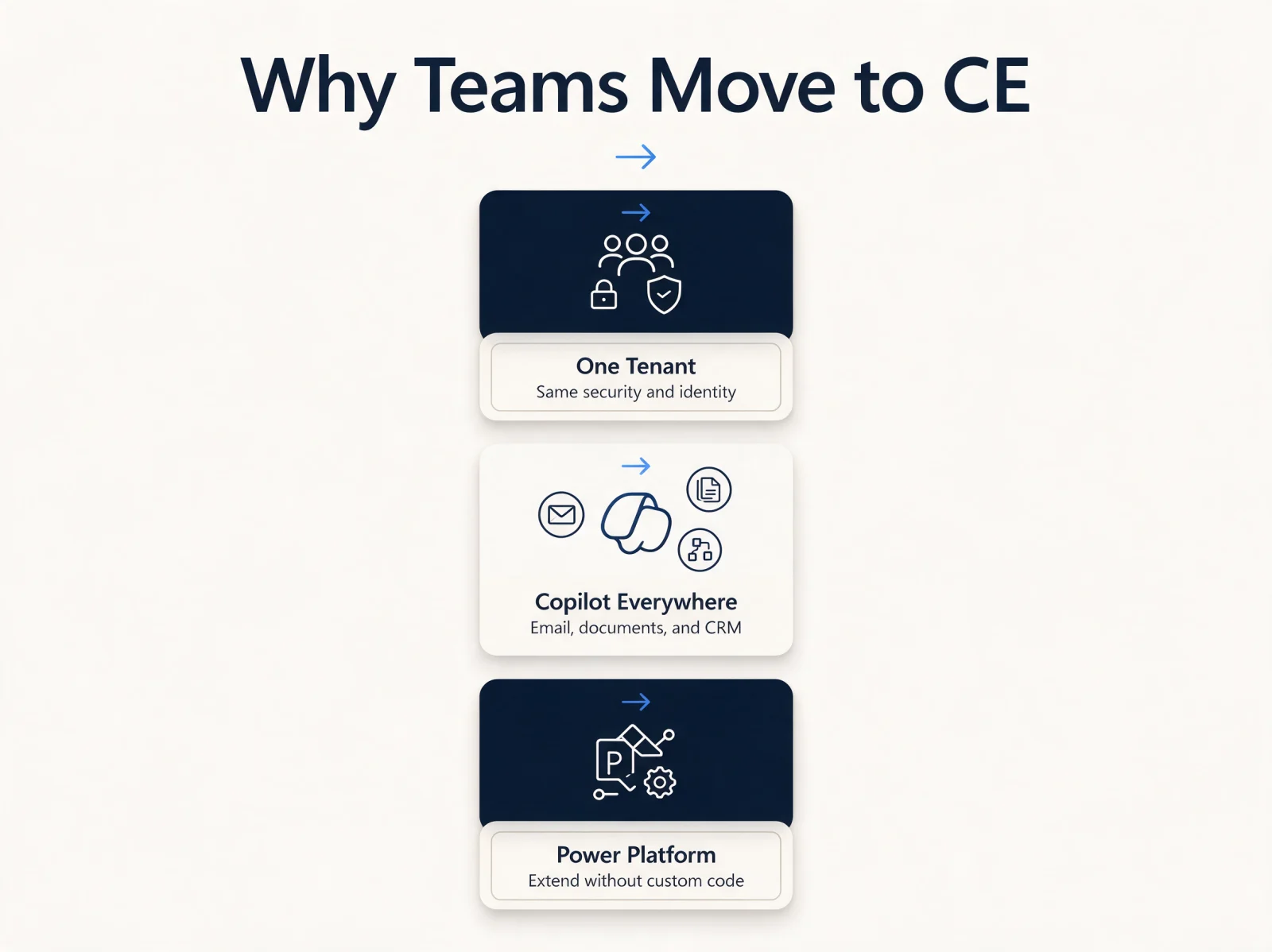
The Microsoft gravity: teams already living in Microsoft 365 and Teams get a CRM in the same tenant, the same security model, and the same Copilot, usually at a lower total cost than standalone CRM platforms at scale.
The migration pattern is real and growing. Companies with an enterprise Microsoft agreement consolidate onto their existing tenant for compliance and identity. Teams that adopted Copilot want it working across email, documents, and CRM as one assistant. Power Platform lets them extend the CRM without custom development. And at renewal time, the licensing math against incumbent CRMs often favors consolidation. If you are weighing that specific move, our Salesforce to Dynamics 365 migration guide covers the process end to end.
The Microsoft gravity: one tenant, one assistant, one platform.
What Does Implementing Microsoft Dynamics 365 Customer Engagement Look Like?
Scoped to one team's workflow first, configured over customized, adopted before expanded. CE implementations fail from over-ambition, not from the platform.
Phase one: one team, configured not customized
The reliable path starts with the app and team where the pain is sharpest, commonly Sales for pipeline visibility or Customer Service for case management. Configure the system to that team's real process, migrate clean data, and get genuine adoption before widening. Resist heavy customization in phase one: CE's native capability plus Power Platform extensions cover most needs without code that someone must maintain forever.
Phase two: adoption before expansion
The choice of partner matters as much as the plan; our guide to choosing a Dynamics 365 implementation partner covers what separates delivery from slideware.
What Does CE Cost to Run Well?
Licensing is per-app, per-user, with meaningful discounts as apps combine, and the real budget line is implementation and adoption, not licenses. Plan for the partner engagement, data migration, and training, then managed support after go-live.
License list prices are public and shift with Microsoft's packaging, so treat any static number with suspicion and price your actual seat mix. The predictable pattern: the implementation costs more than year-one licensing for most mid-market deployments, and skimping there is how CRM projects join the failed-adoption statistics. A full breakdown lives in our Dynamics 365 implementation cost guide. After go-live, managed services keep the system evolving with the business instead of decaying into a contact database.
Key Takeaways
- Customer Engagement is the CRM side of Dynamics 365: Sales, Customer Service, Field Service, and Customer Insights on one shared customer record.
- "Dynamics CRM" is the same thing by its older name; modern CE adds Dataverse, Microsoft 365 integration, and Copilot.
- CE and the ERP side of Dynamics 365 are separate disciplines; scope and partner for the one you are actually buying.
- Implement narrow first, configure over customize, and budget for adoption, not just licenses.
Getting CE Working for Your Team
Dynamics 365 Customer Engagement rewards businesses that scope it clearly: the CRM side, implemented one team at a time, extended with Power Platform rather than custom code. Done that way, it becomes the single system your revenue and service teams actually run on.
Twelverays is a Microsoft Solutions Partner for Business Applications, and our consultants hold Microsoft Dynamics 365 certifications across the modules each scope calls for. We implement CE through our Dynamics 365 practice, from first app to managed evolution. If you are evaluating CE or planning a migration to it, book a discovery call and we will map the scope with you.


